
Jubako: Microsoft Access, Without the Hard Parts
You know that moment when you open a folder and find budget_FINAL_v3.xlsx, budget_FINAL_v3 (1).csv, and budget REAL FINAL.xlsx all staring back at you? Spreadsheets are great until they aren’t – until you need to ask “which customers haven’t paid yet” and you’re doing mental gymnastics with filters and color-coded cells.
Jubako on GitHub | jubako.ninepointlabs.com
Jubako (pronounced joo-bah-koh, named after the stacked Japanese lunch boxes) is a simple desktop database for Omarchy Linux. One file, several tables, no SQL required. Think of it as the spirit of old-school Microsoft Access, reimagined for people who would rather get things done than learn a query language.
Drop a Spreadsheet, Get a Database
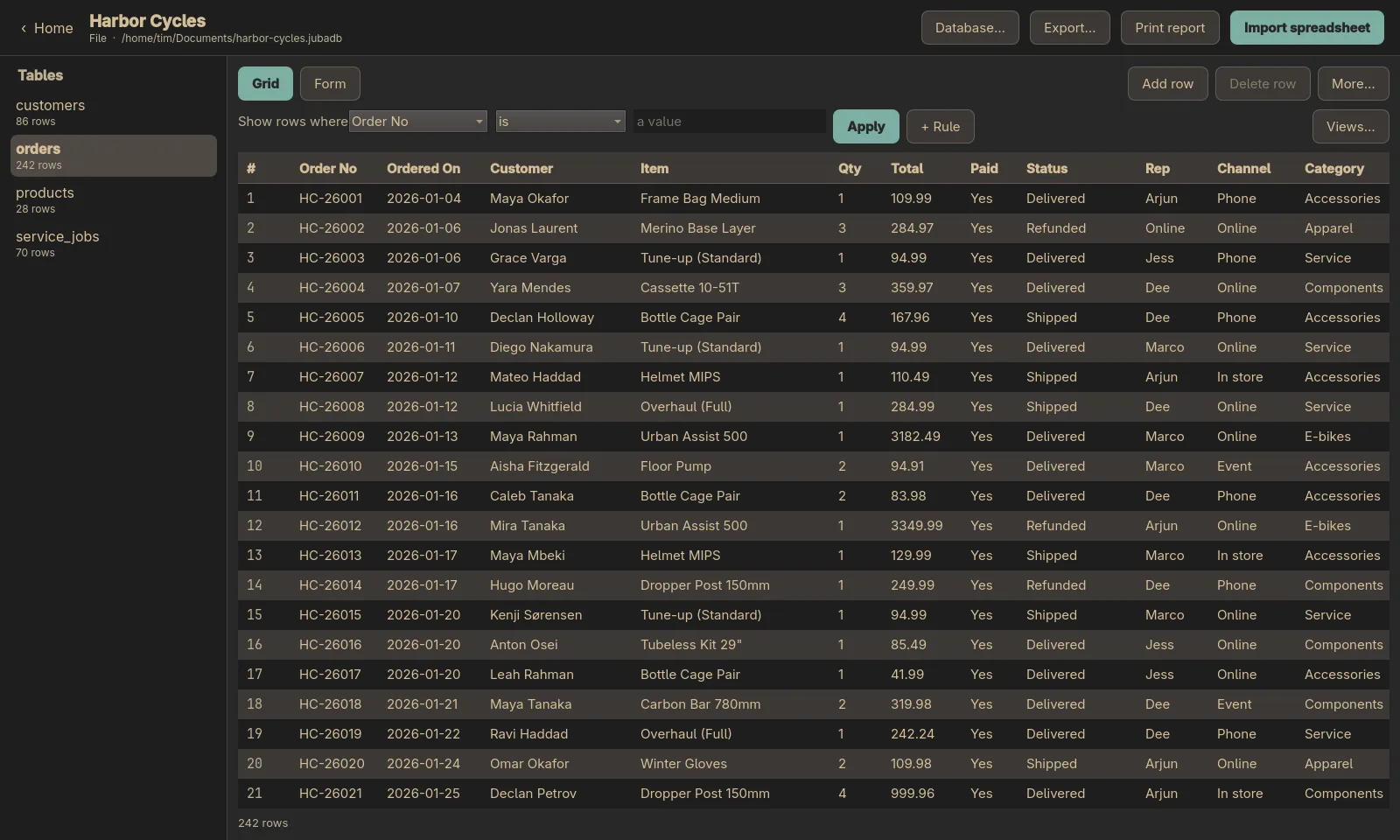
The killer feature is the import. Drag a CSV or Excel file onto the window and Jubako figures out what each column is – words, whole numbers, decimals, dates, yes/no values. It shows you its best guesses before writing anything, so you can correct a column that got tagged as “words” when it’s really a date column. A multi-sheet workbook becomes one table per sheet. No ceremony, no setup.
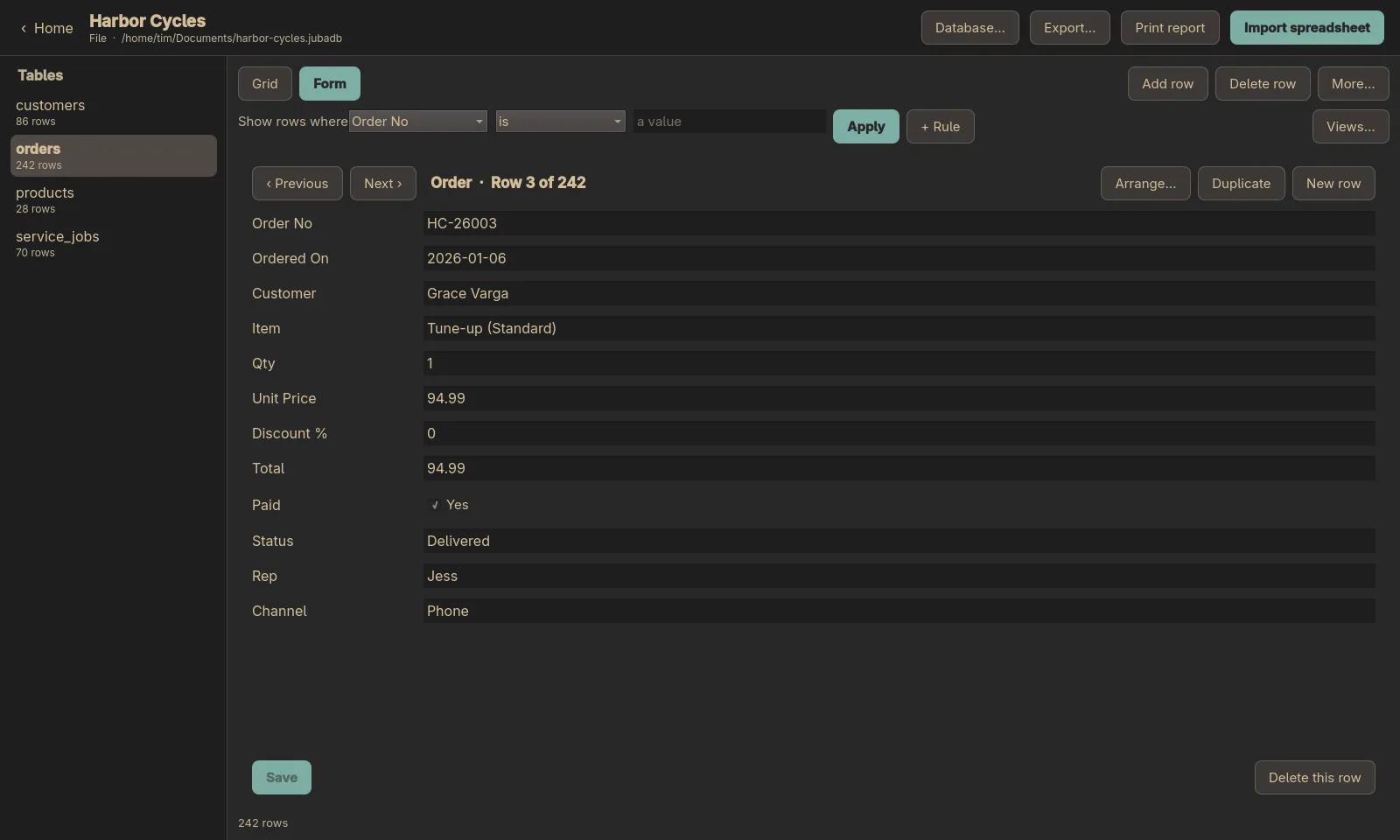
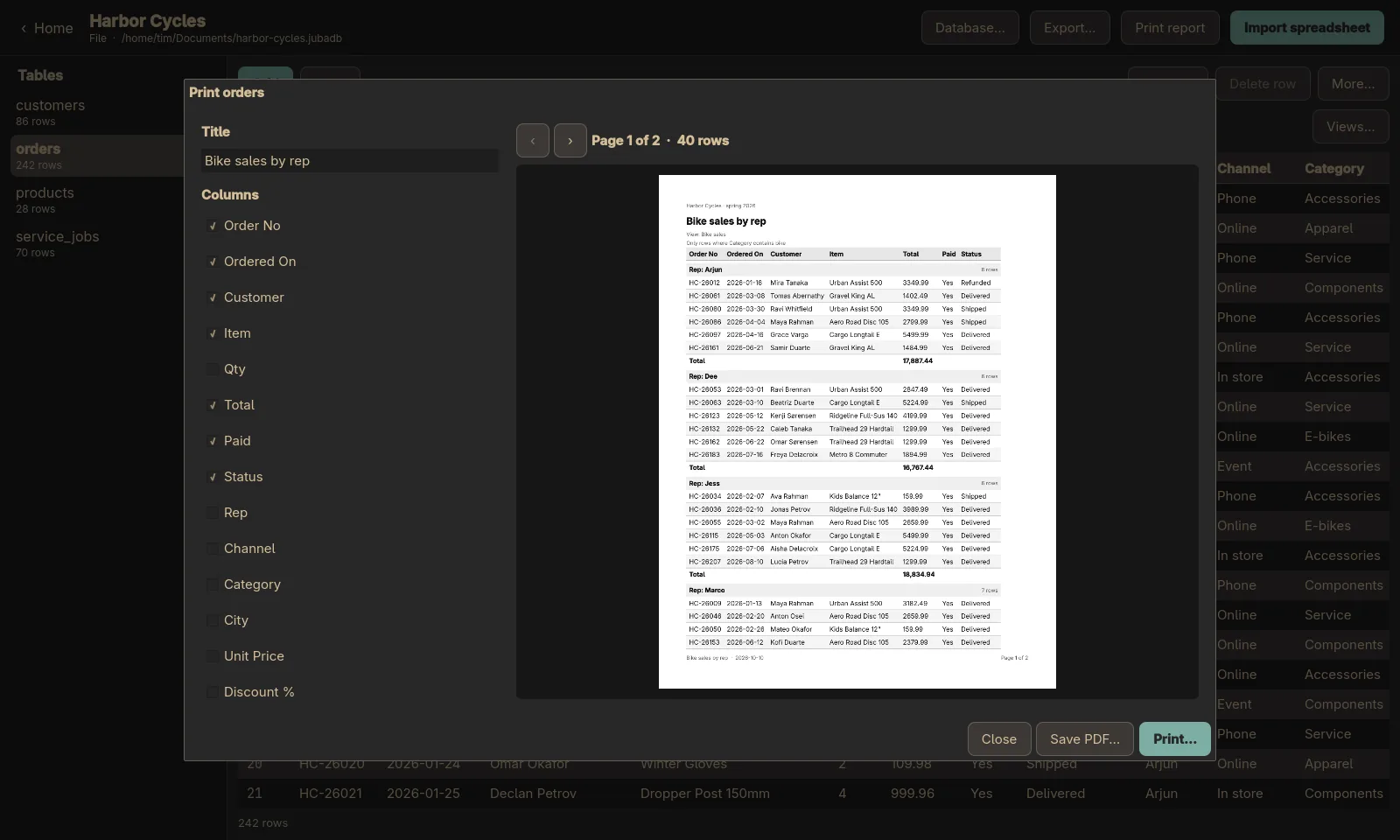
Once your data is in, you can browse it as a grid, type row-by-row in a form, filter with rules like “Status is not Delivered AND Total over 100,” and save those filters as named views. Need to print? The report designer gives you a live preview, groups rows with subtotals, and exports to PDF. Your spreadsheet just grew up.
Your AI Agent Can Drive It Too
Jubako ships with an MCP server, which means Claude Code (or any MCP-capable agent) can do everything the app can do. “Take this spreadsheet and make me a database” works as a natural-language command. The tools cover the full surface: create databases, import spreadsheets, list and filter rows, add and update records, design reports, export to CSV or Excel or PDF. Twenty-seven tools in total, all over stdio.
Safety is taken seriously: file paths are checked against approved folders, spreadsheet formulas are never executed, server passwords are never saved, and destructive operations ask first.
Under the Hood
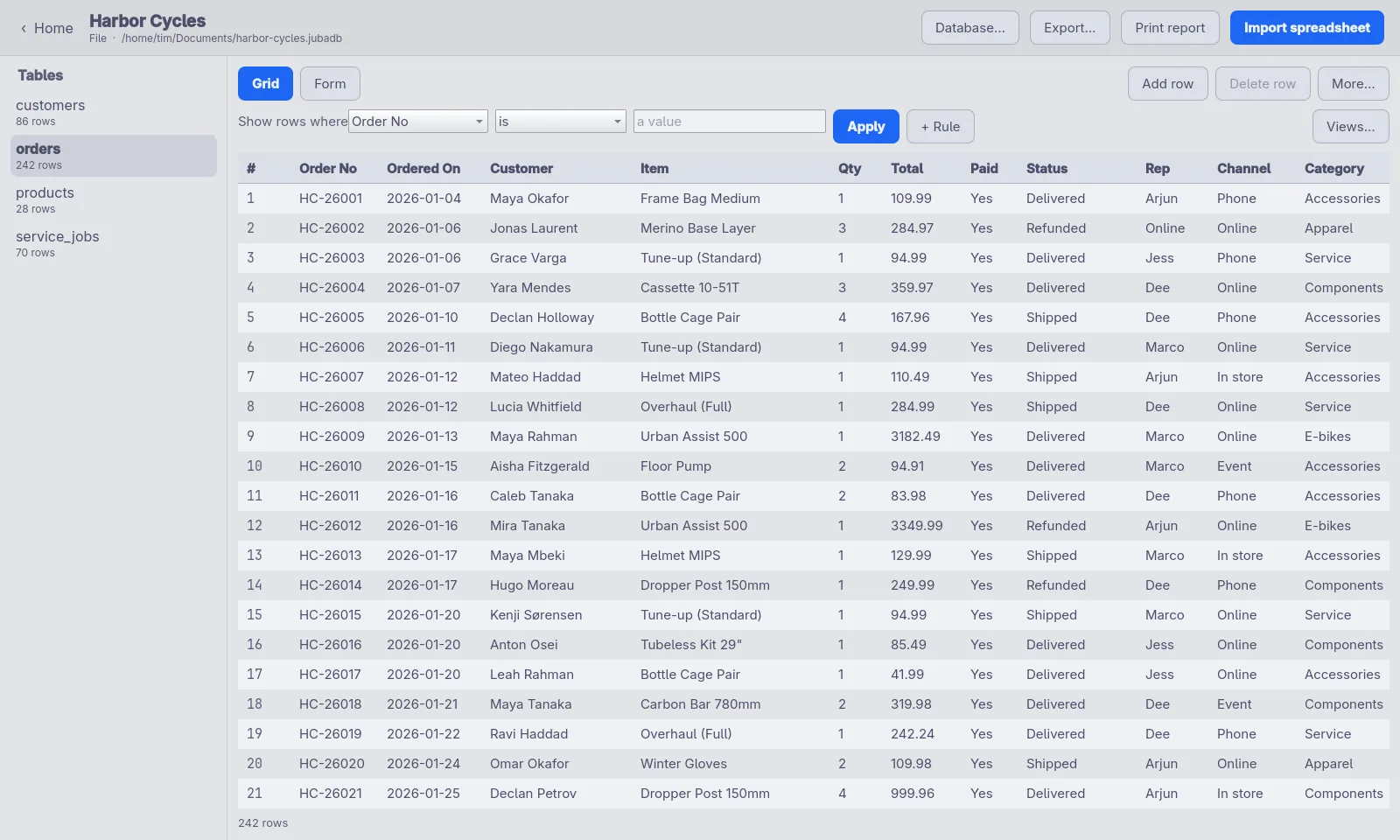
Jubako is a Qt Quick desktop app with a Python core. By default your database is a single SQLite file (.jubadb) in your Documents folder – copy it, back it up, email it. If you already run PostgreSQL or MySQL, you can point Jubako at that instead. The app follows your Omarchy theme, light or dark, and changes with it when you switch.
Installation is one command on Arch/Omarchy, Debian, or Fedora – packages are on the releases page. Or clone the repo and run from source. It’s MIT-licensed and actively developed, with a growing test suite that covers type guessing, path safety, CSV and Excel import/export, reports, and the MCP server.
If your spreadsheets have been quietly running your life, Jubako is a clean upgrade. Same data, less chaos, and a lunch box metaphor you didn’t know you needed.